
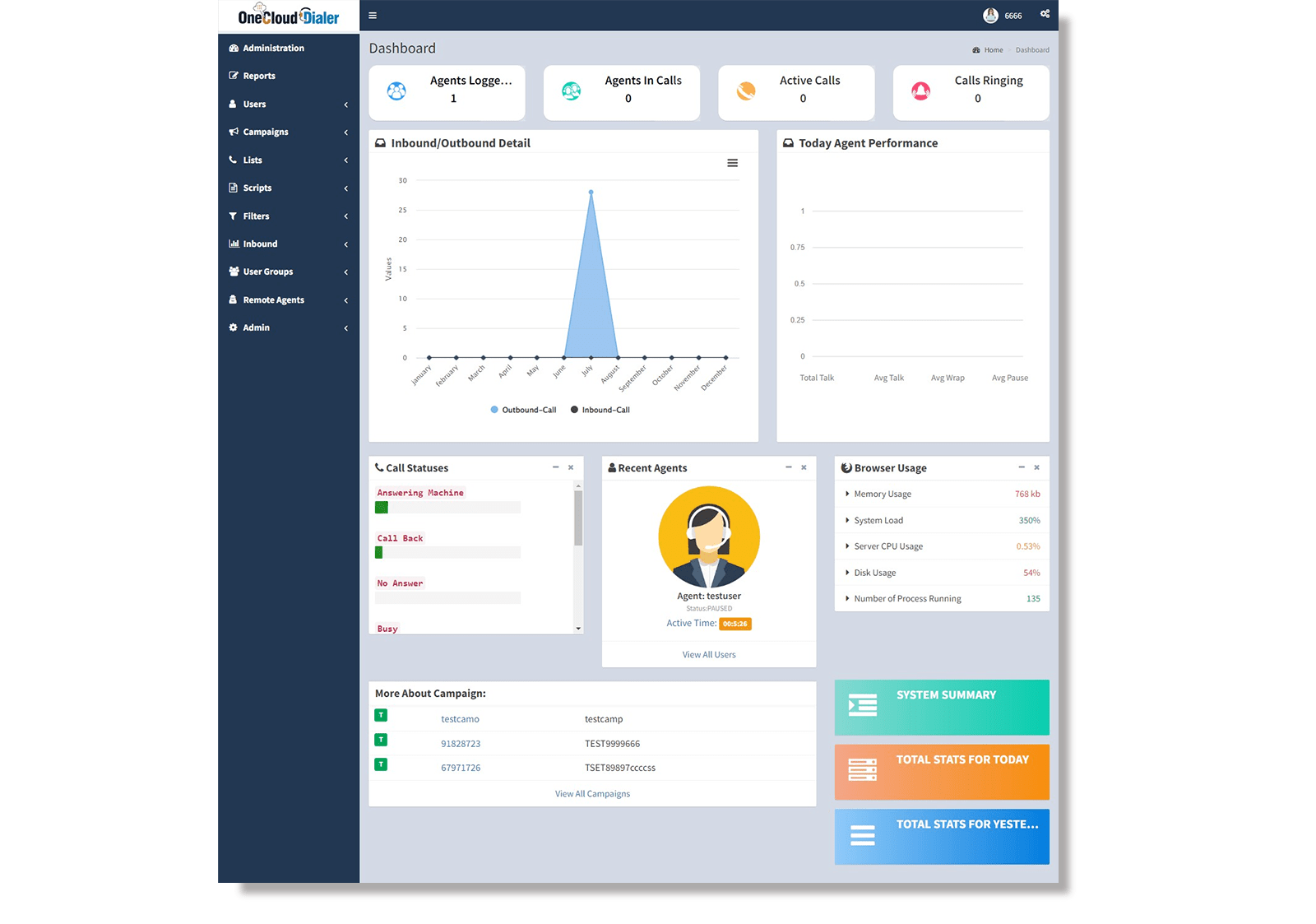
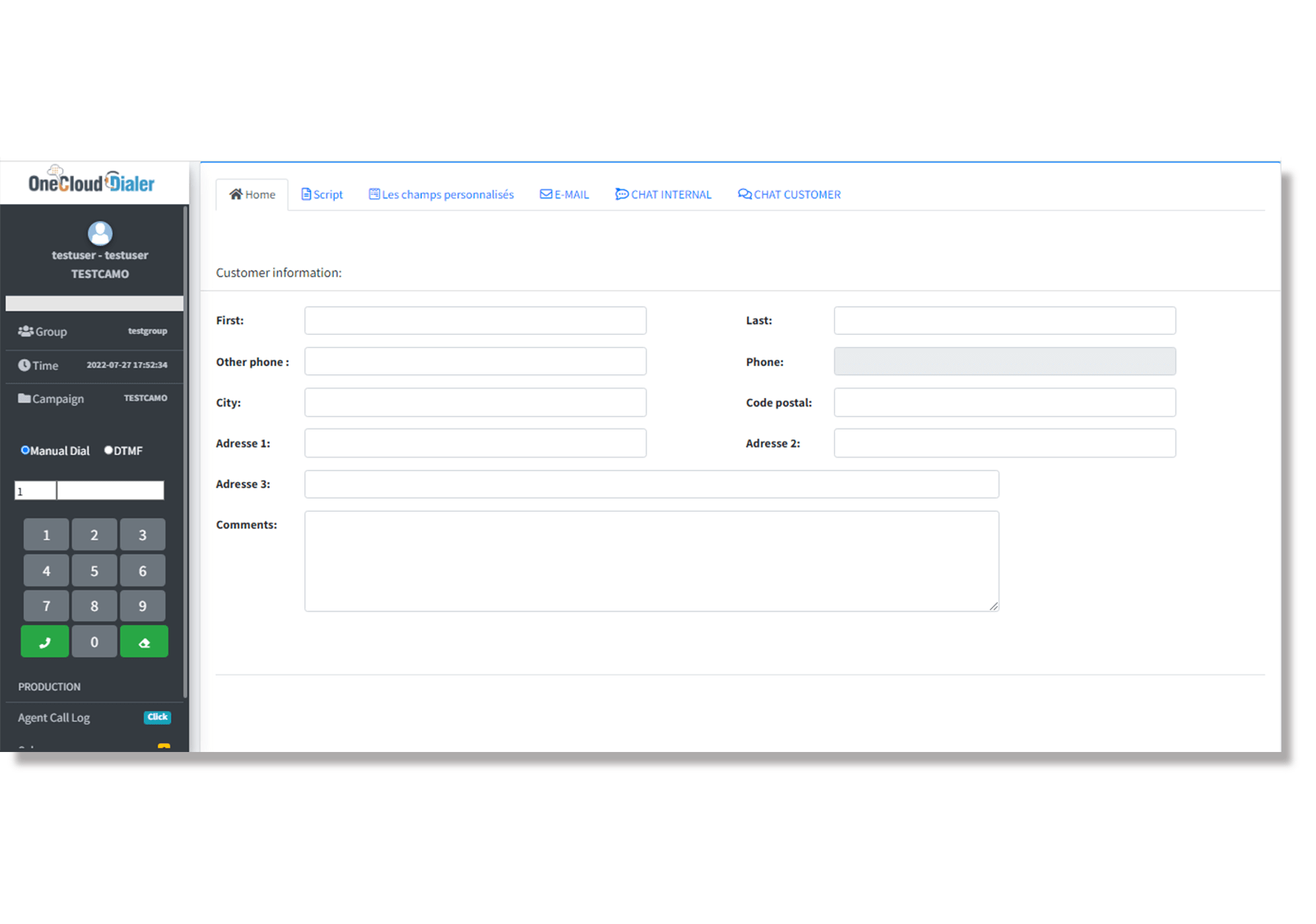
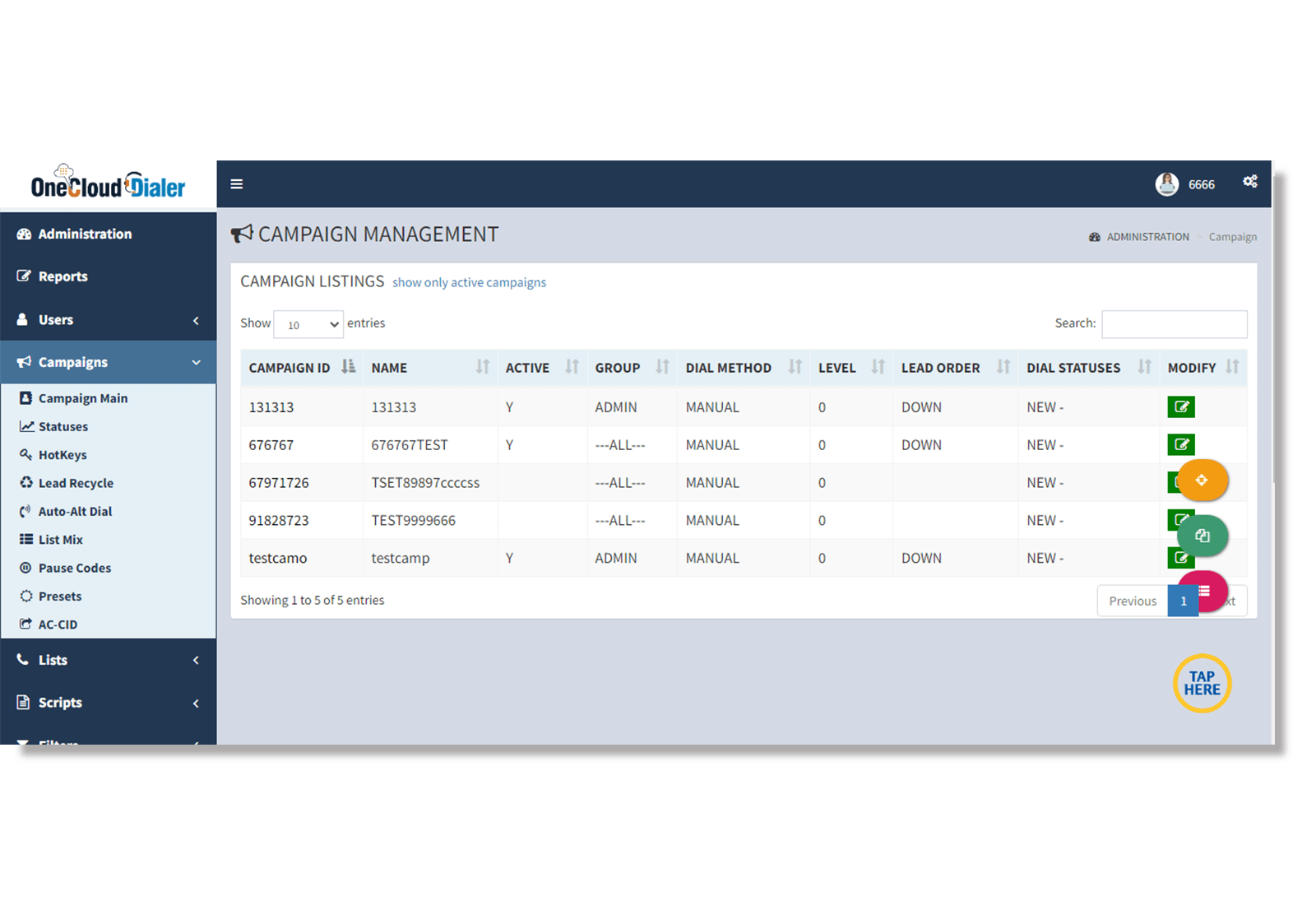
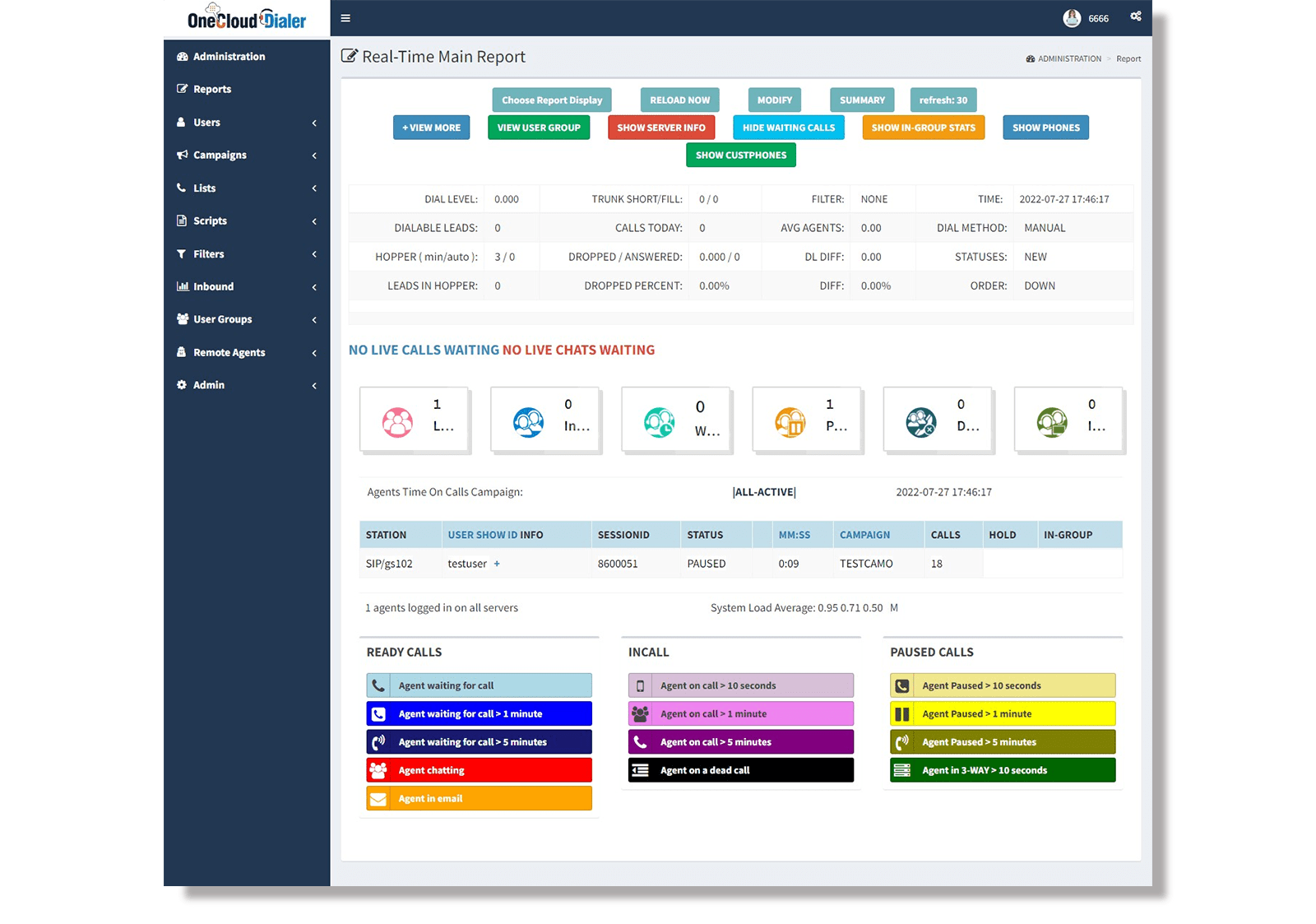
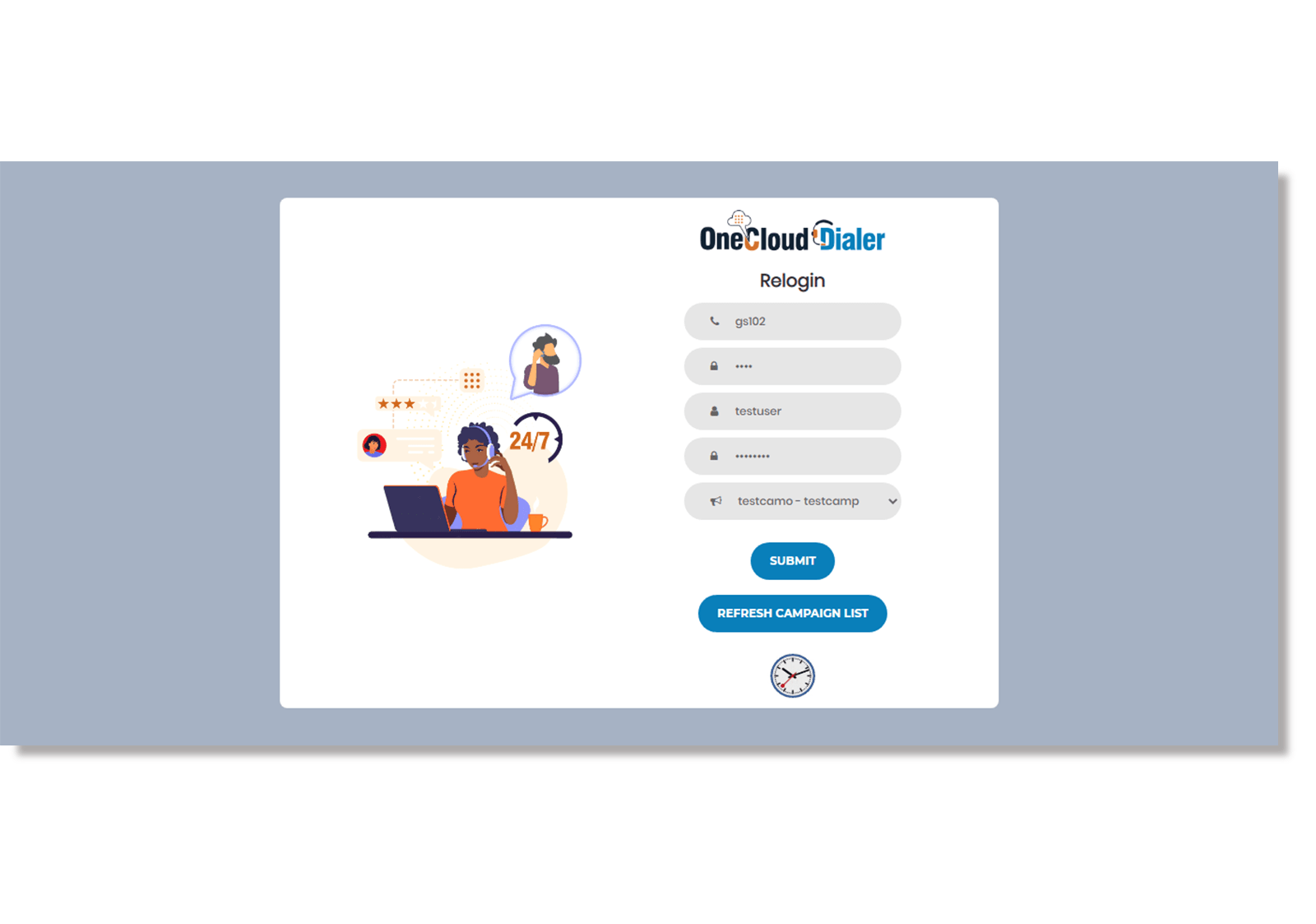
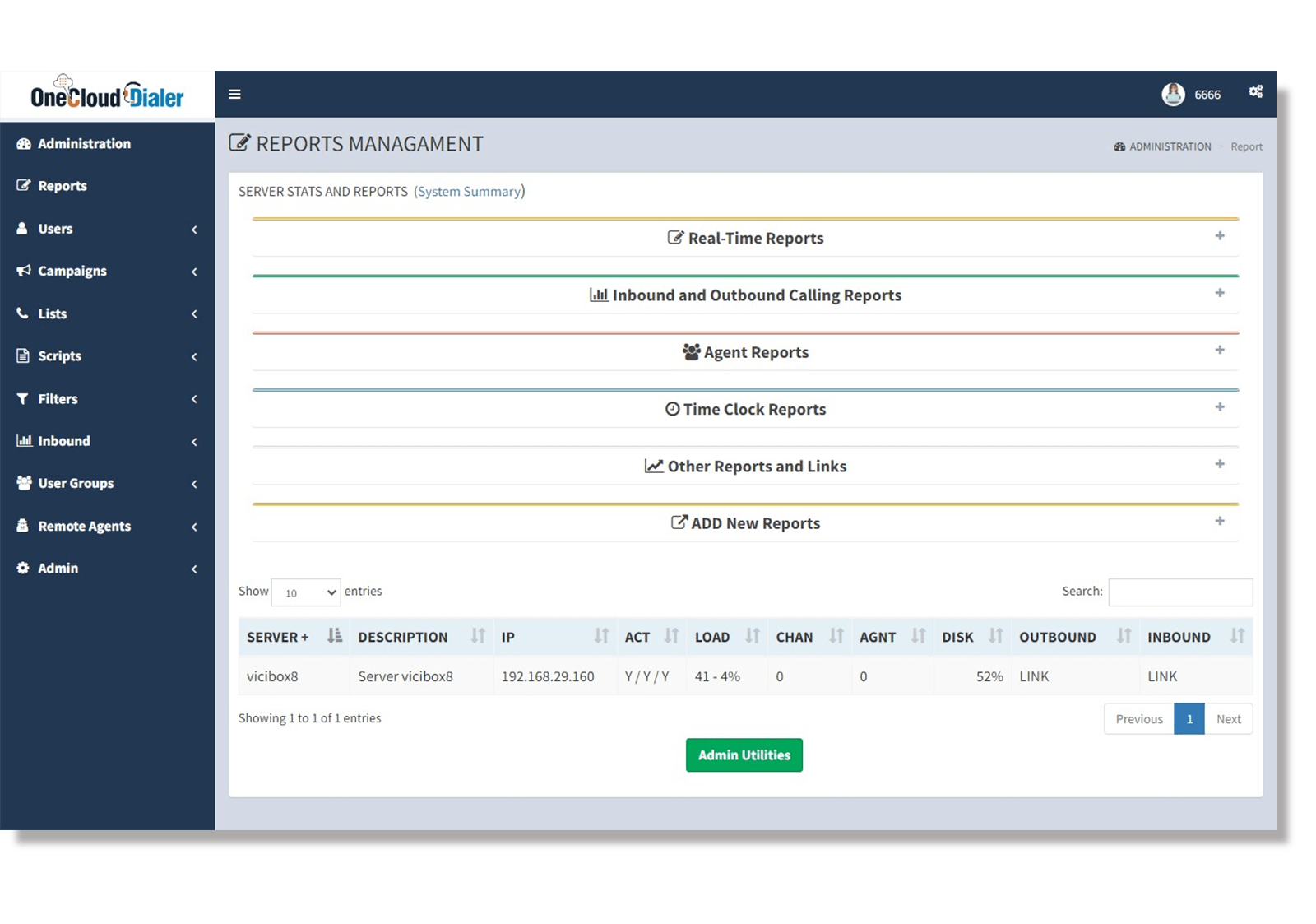
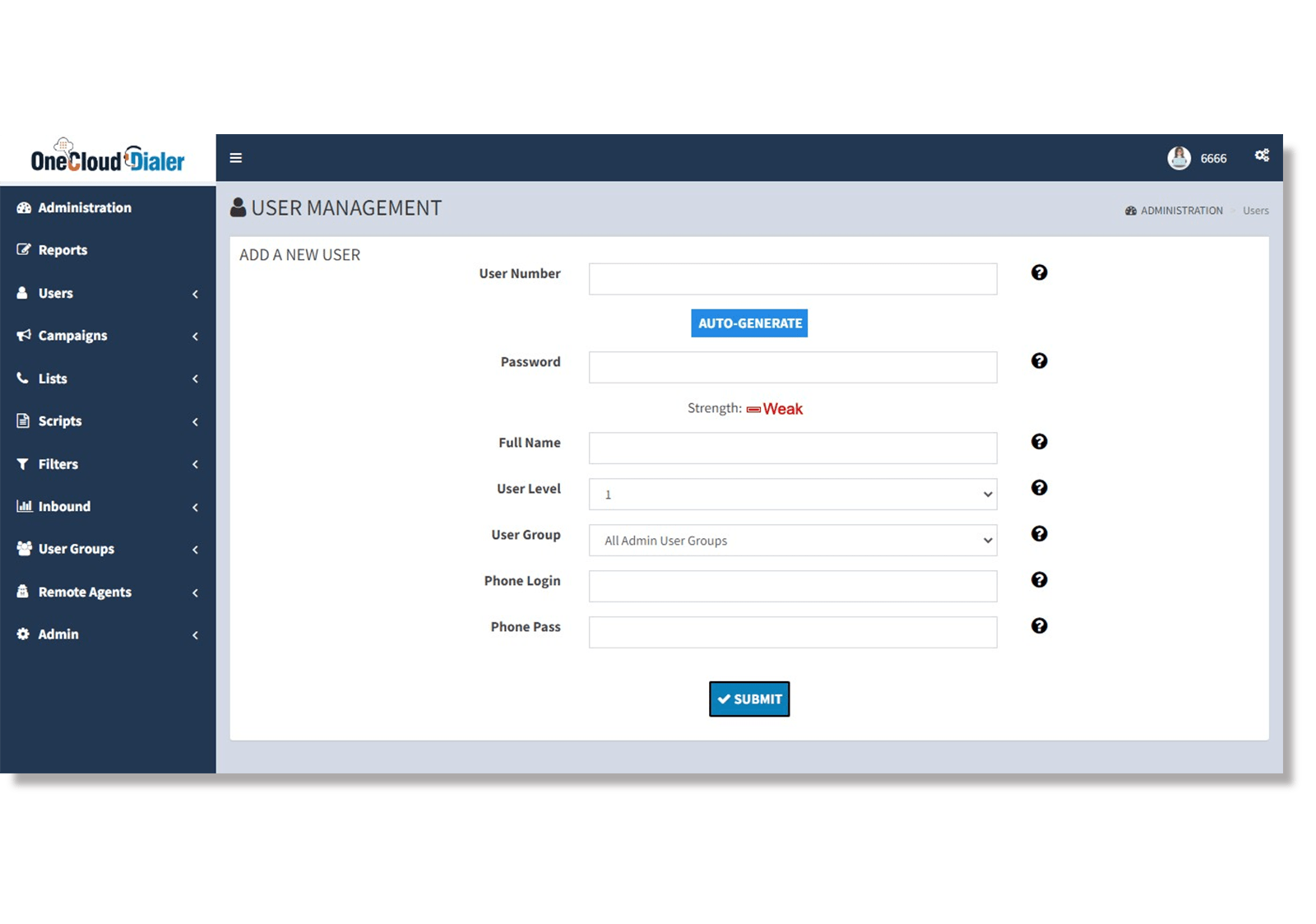


We’ve overhauled the standard ViciDial experience to cut out the technical clutter. By focusing on a clean, accessible UI, your agents can zip through predictive dialer screens without the usual burnout, allowing them to focus on closing deals and providing top-tier contact center service.
It’s designed to fit perfectly within your contact center interface, so even when the text is enlarged.
It’s all part of making our Vicidial-based contact center accessible to everyone.
We use clean, semantic HTML to make sure our contact center dialer is easy to navigate for every agent.
Our Vicidial interface features high-contrast call controls that agents can spot instantly.
It makes our contact center dialer services much easier to navigate, especially for new hires.
Full functionality of the dialer accessible via hotkeys to reduce reliance on mouse movement.
Focusing on compliance and workplace diversity, these answers demonstrate your commitment to a frictionless environment for every team member.
Theme 6 is built with WCAG 2.1 principles in mind, focusing on contrast ratios, keyboard navigability, and screen-reader compatibility for enterprise compliance.
Every user can personalize their ViciDial workspace with custom themes and color schemes. It’s a great way to boost agent productivity by letting them tweak their own visual setup without messing with the standard dialer layout for the rest of the contact center team.
The design utilizes a fluid "Rem-based" grid, allowing text to scale up to 200% while maintaining the integrity of all buttons and data fields.
Absolutely—every core function, from "Dial" and "Hang-up" to "Transfer," is mapped to customizable hotkeys for agents who prefer not to use a mouse.