
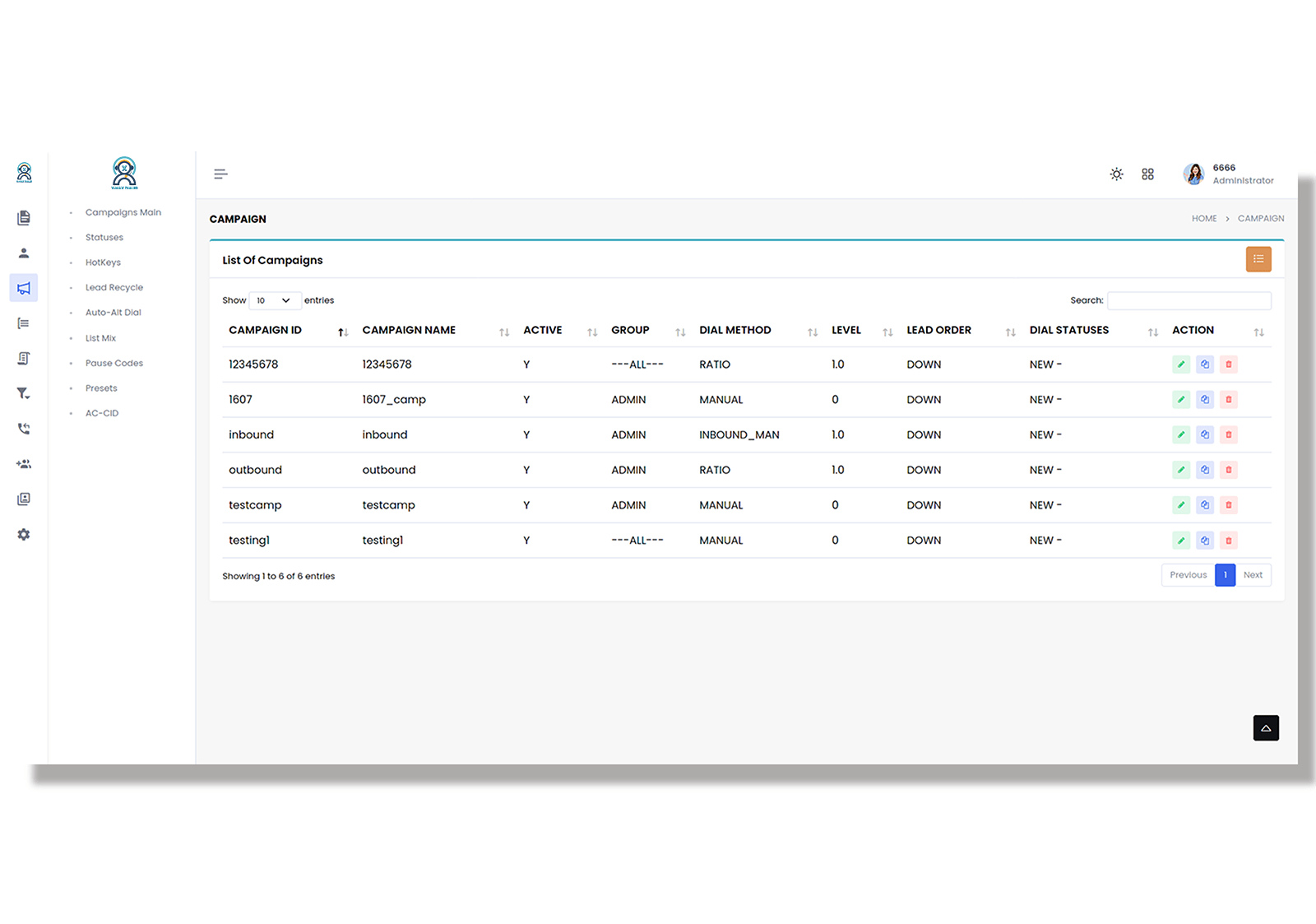
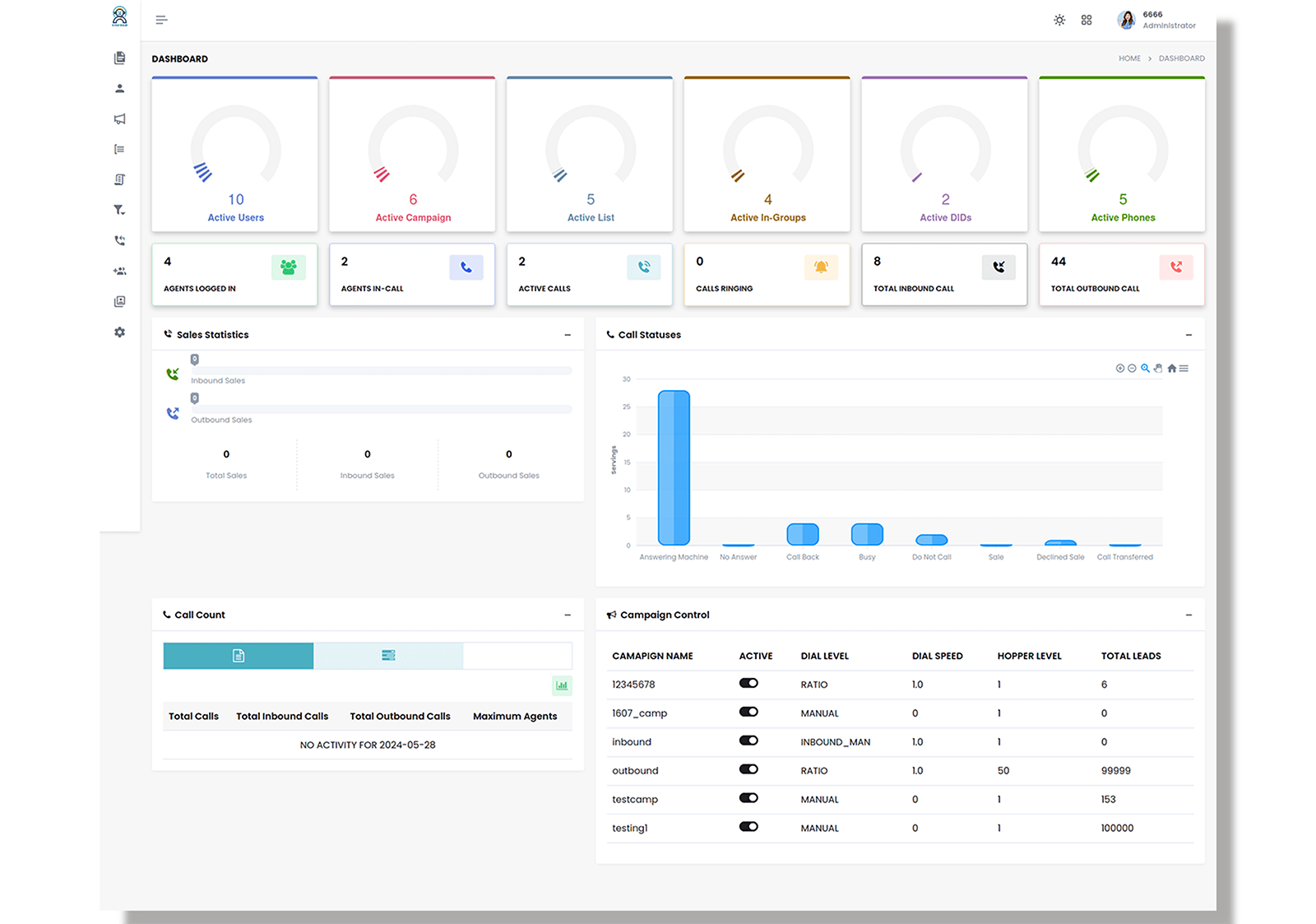
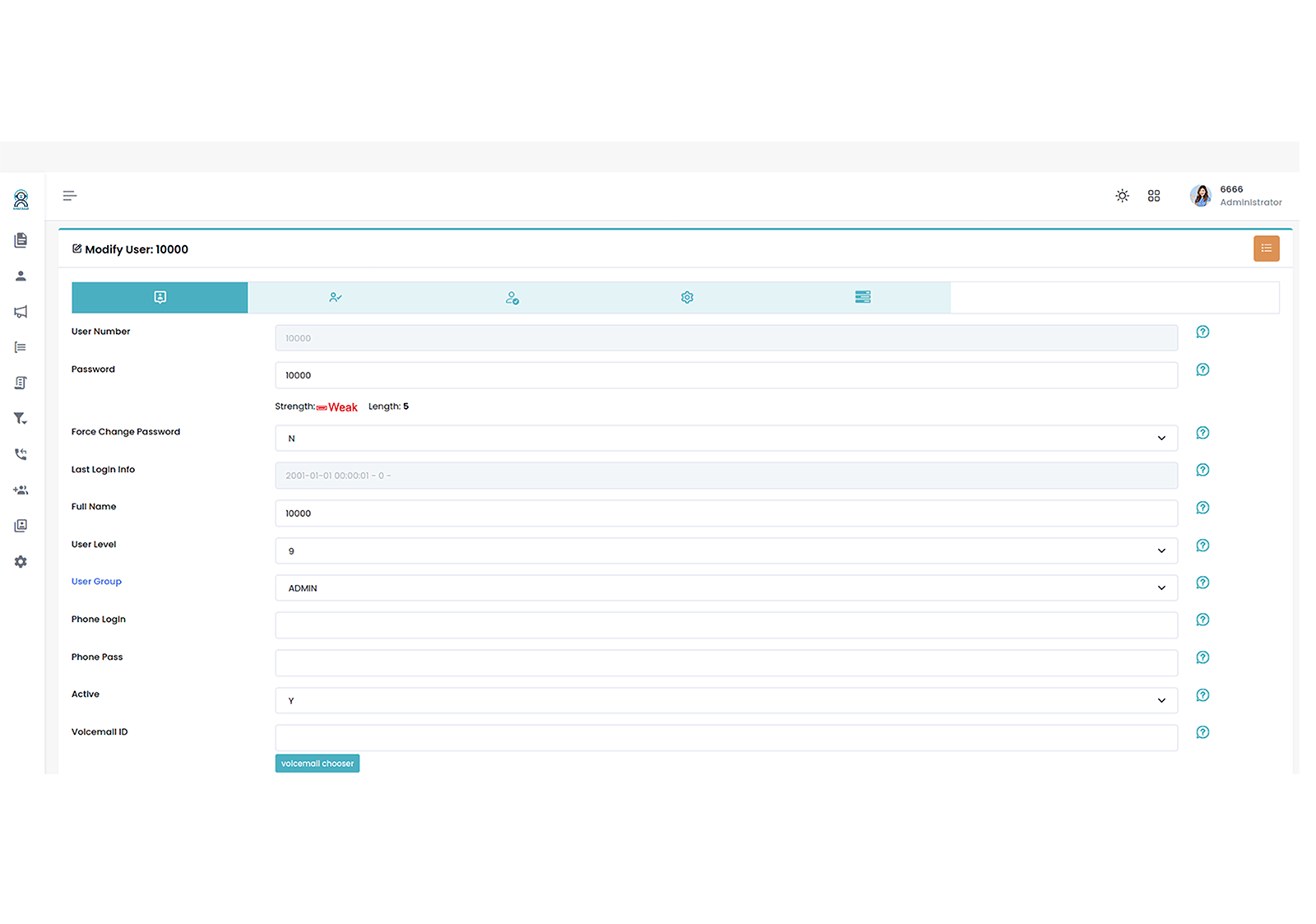
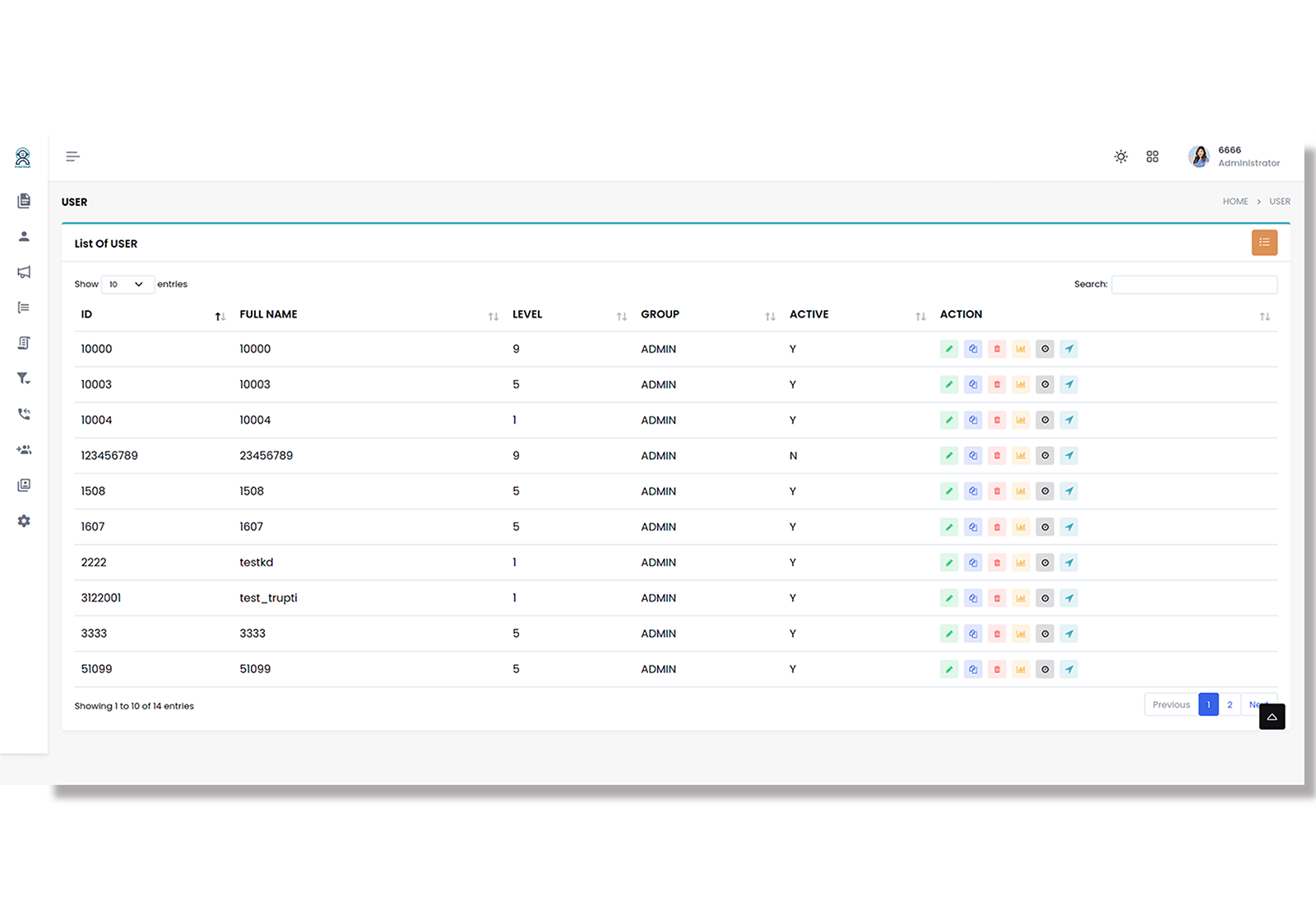
Enterprise Data-Centric Dashboard

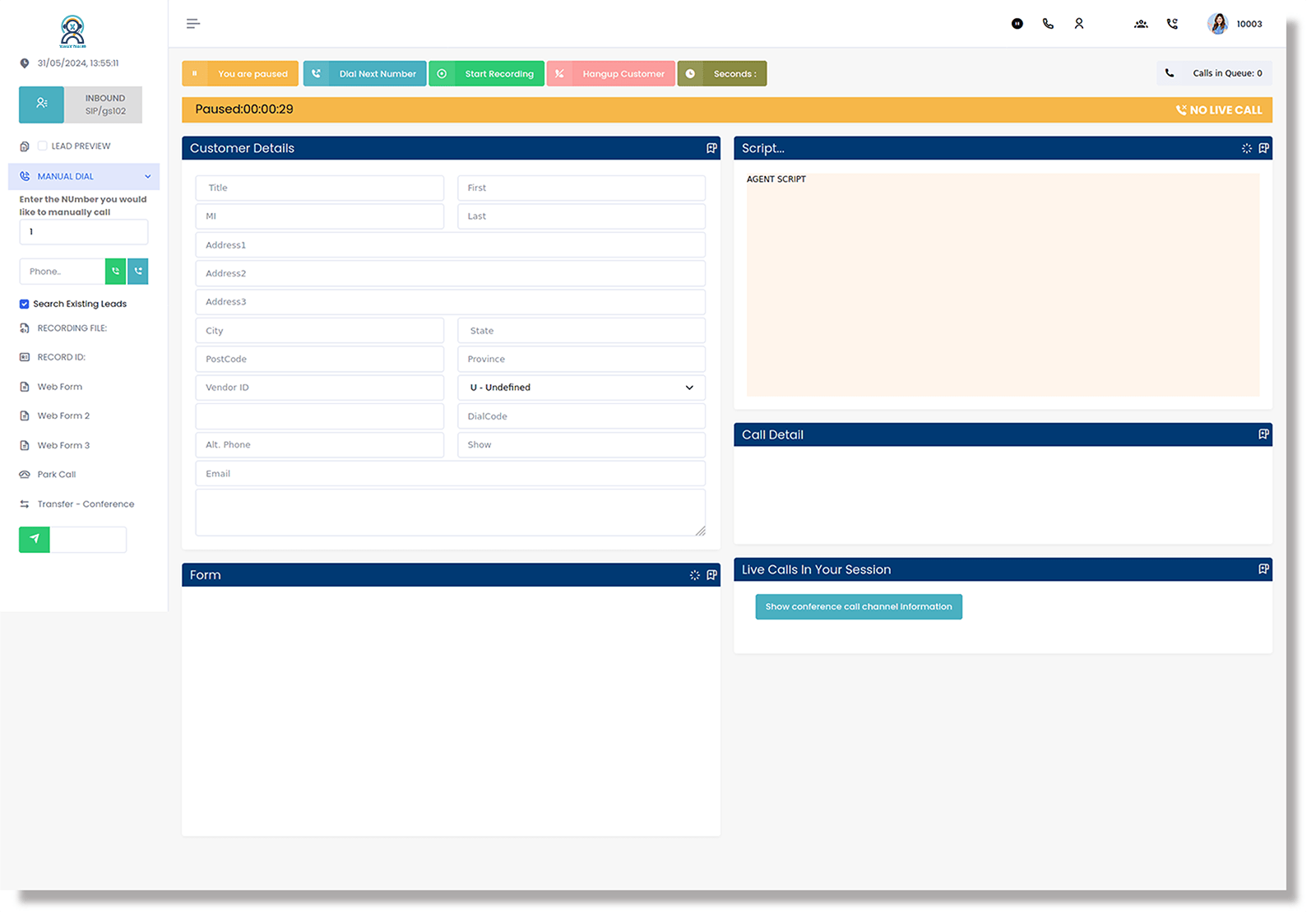
We built this layout as a dedicated ‘Command Center’ for busy inbound and blended teams. It gives you way more screen real estate to track live CRM data, so you’re never digging through tabs to find customer info.

Comprehensive Tools for Complex Inbound

Icon

Multi-Tab Lead Management

Handle multiple customer queries simultaneously with a robust, tabbed navigation system.

Icon

Customer Interaction History

You can just flick through a timeline of previous chats and calls without ever having to switch tabs or dig for info.

Icon

Advanced Sentiment Dashboards

Visual icons that display the customer's mood based on previous CRM notes.

Icon

Blended Queue Visibility

You can watch your inbound queues and outbound campaigns side-by-side without ever having to flip.

Icon

One-Click Supervisor Escalation

Hit the SOS button for immediate help from a supervisor. It lets managers jump into a live call monitoring session.

Icon

Embedded Knowledge Base

Access internal documentation and FAQ guides without ever leaving the dialer window.

Frequently Asked Questions: Complex Inbound Management

These FAQs target high-level decision-makers looking for solutions to handle complex customer journeys and deep CRM integrations.

The interface utilizes a smart-tabbing system that keeps active call data prominent while allowing agents to switch between previous tickets or history without losing their place.

Theme 3 puts your team's entire toolkit right on the sidebar. Agents can grab scripts or check FAQs on the fly, so they never have to stop the conversation or toggle between different tabs while on a call.

By separating data loading from call handling, we’ve ensured the interface stays incredibly fast. The CRM info flows in real-time, but it never gets in the way of your actual phone controls.

There’s a built-in 'Ticker' specifically for broadcast alerts. It’s perfect for keeping the whole team in the loop on queue shifts or office announcements the second they happen.