
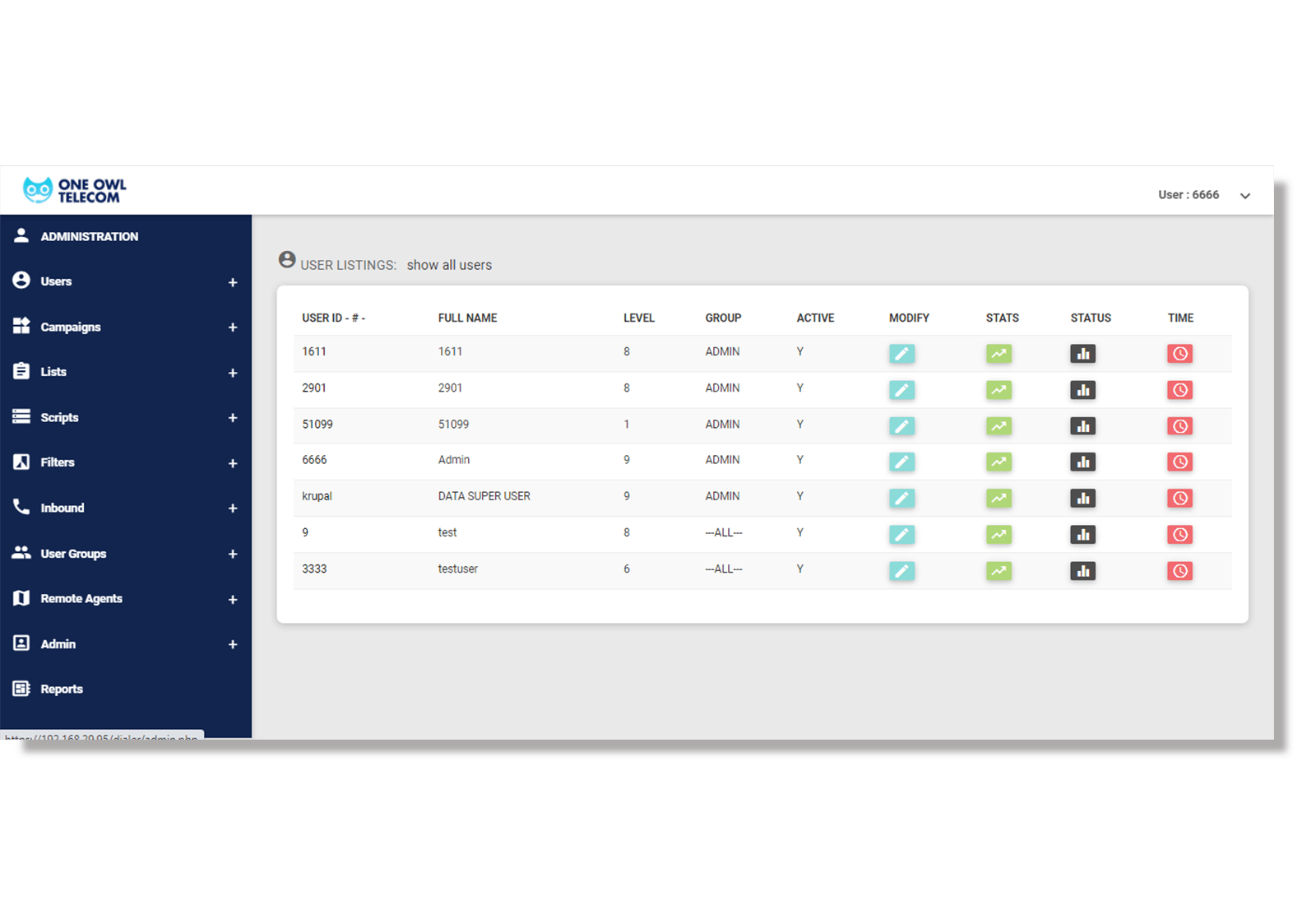
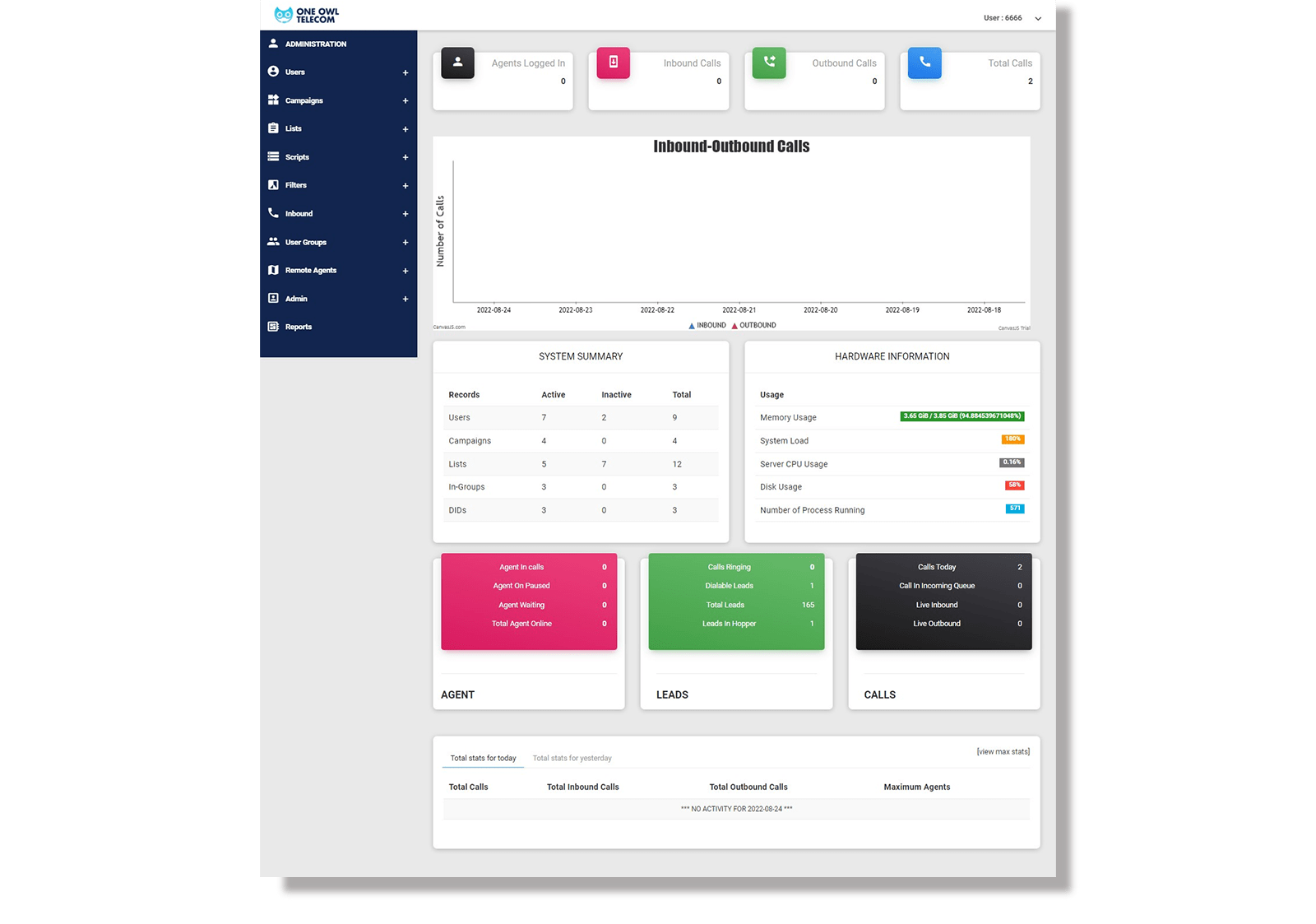
Omnichannel Unified Workspace

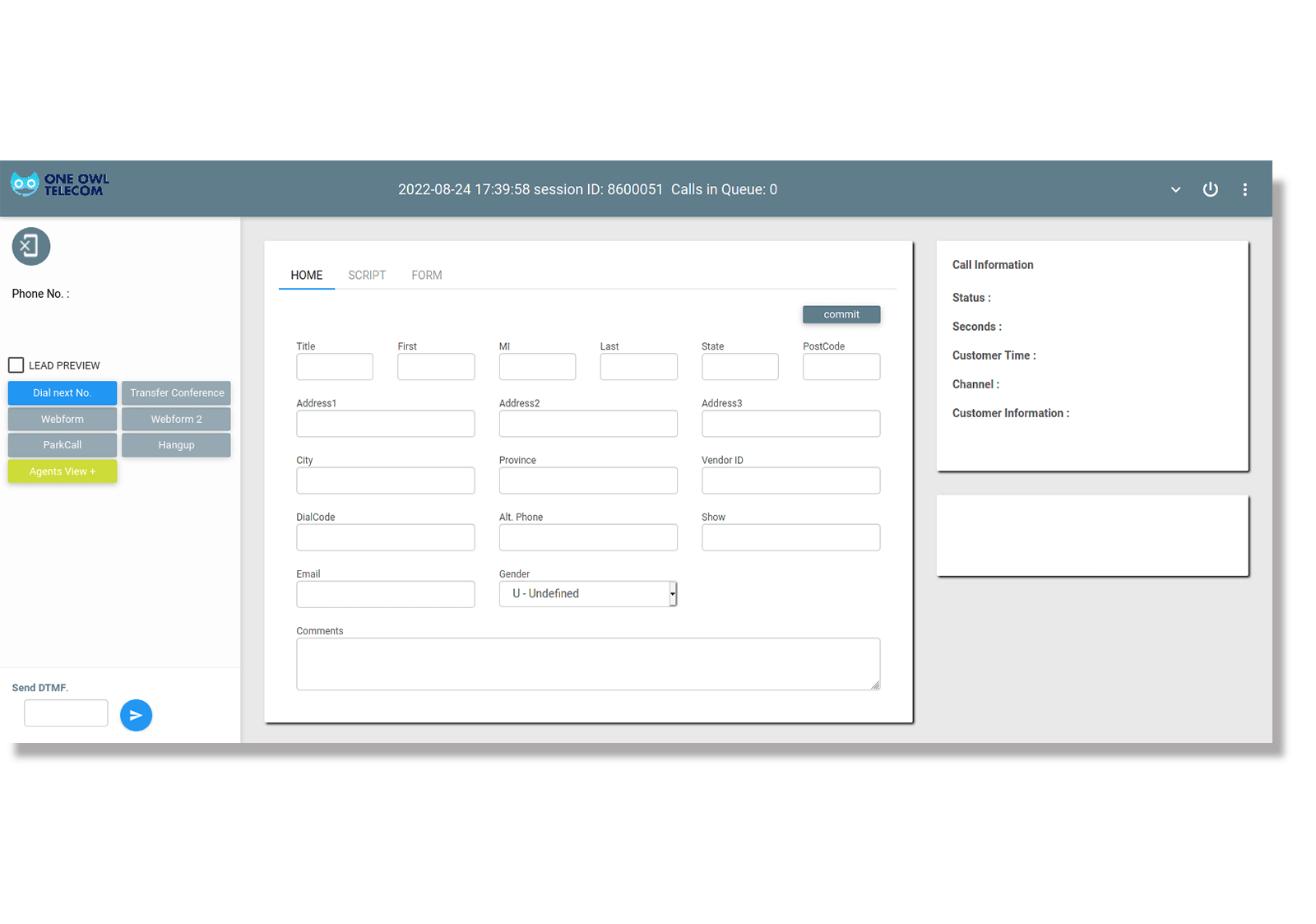
Theme 10 merges voice, SMS, and email into a single, cohesive interface powered by KingAsterisk Services’ advanced integration modules. We’ve streamlined the dialer layout so Vicidial users can stay focused. You can manage multi-channel interactions from one dashboard.

Integrated Multi-Channel Communication Tools

Icon

Unified Message Inbox

Handle your texts, emails, and calls all from one place. We’ve tucked everything right into the dialer.

Icon

Cross-Channel Customer History

A vertical timeline showing every Vicidial interaction across all communication platforms.

Icon

KingAsterisk API Connect

Our system talks directly to your favorite CRM tools, instantly pulling in data from every channel.

Icon

Automated SMS Follow-ups

As soon as you hang up and log the call result, the dialer can automatically fire off a follow-up text to your contact.

Icon

Social Media Interaction Hooks

View customer social profiles linked directly to their Vicidial lead record.

Icon

Dynamic Channel Switching

Effortlessly pivot from a voice call to an email thread without losing the agent's place.

FAQs About Managing Multi-Channel Workflows in Vicidial

See how KingAsterisk brings all your different talk tracks together. We pull every communication channel into one simple dashboard, so your team doesn't have to keep switching between apps to stay on top of calls.

Our setup lets agents juggle multiple tasks at once without breaking a sweat. They can fire off an email or send a quick text right from their Vicidial session without ever having to drop the live call.

We use advanced API Connectors to ensure that every omnichannel interaction is logged back to your central CRM and Vicidial database in real-time.

Absolutely; you can set rules to automatically send an email or SMS through the dialer based on the disposition selected by the agent.

Our team configures your Vicidial server with the necessary modules to support these extra channels without sacrificing system stability.